Initial Movies UI
Initial Movie UI
We'll start our Movie application with a very simple user interface.
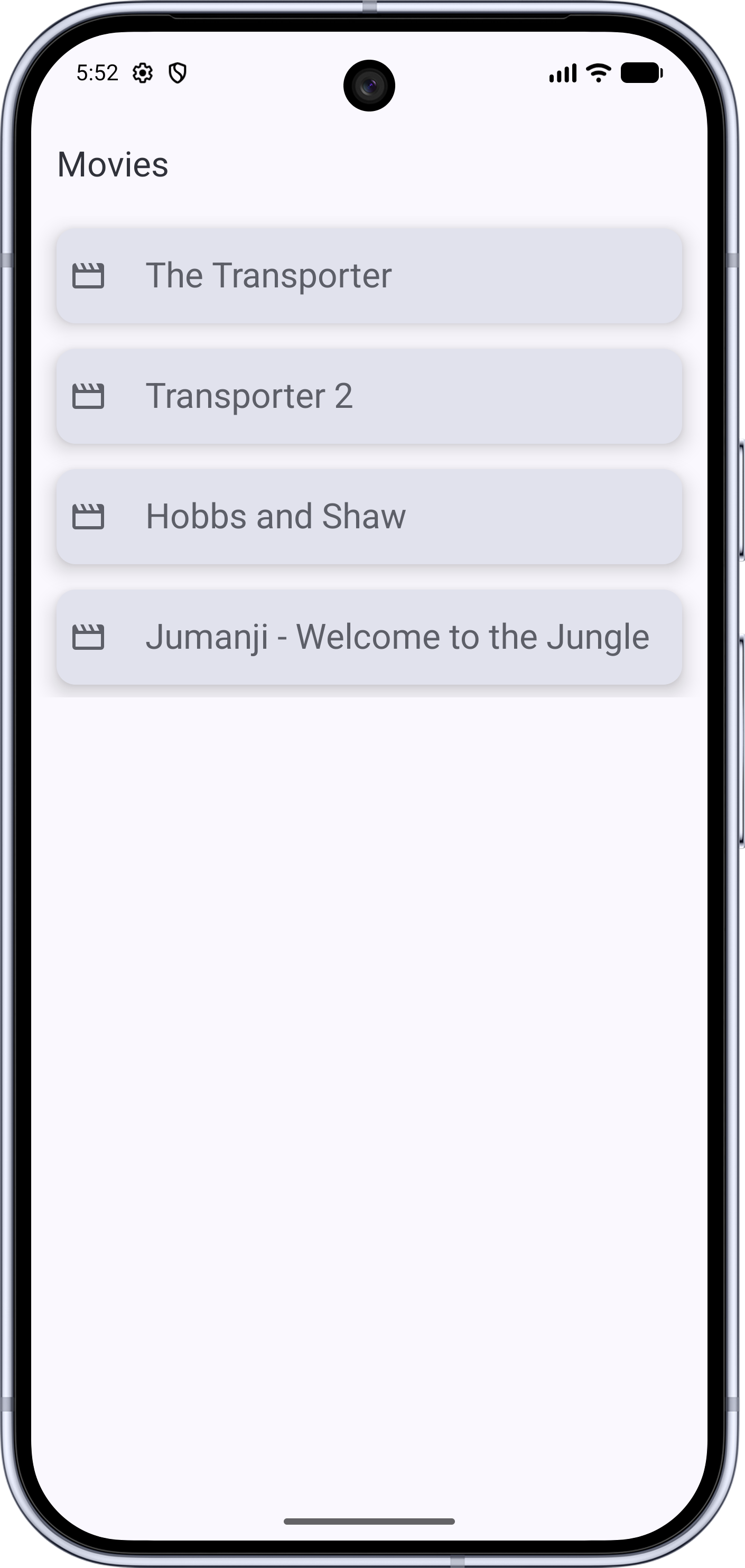
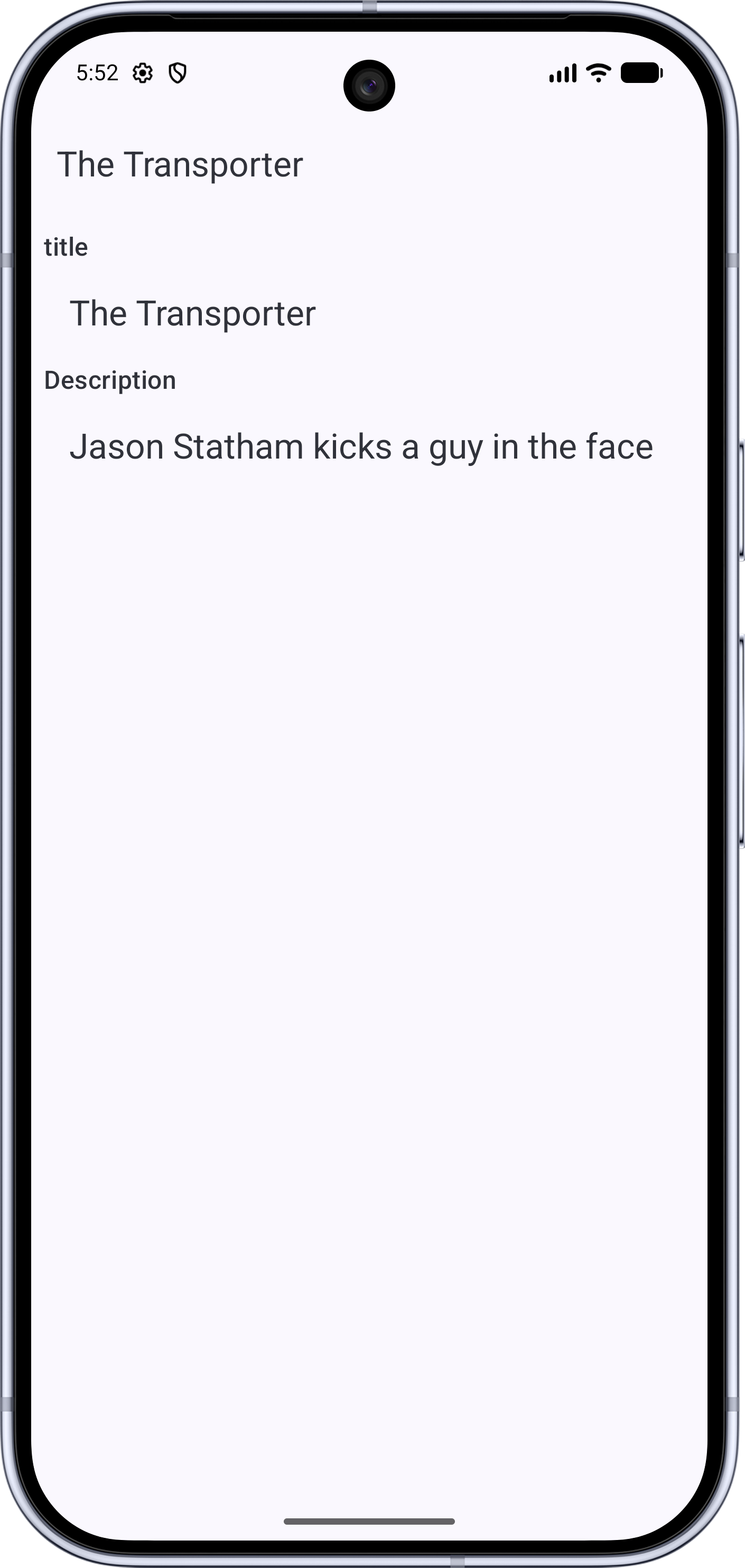
All data is hardcoded for this module; we're just creating a very basic user interface.
We'll improve on the user interface in later modules.
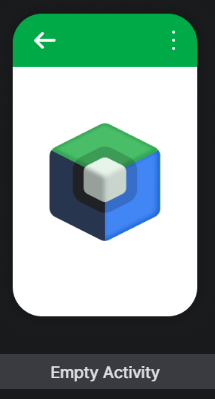
We start by creating a new "Empty Activity" project. Make sure you choose the option that has the Compose icon.
Take a look at the versions of the dependencies in the version catalog file, gradle/libs.versions.toml.
I created this project in Android Studio Quail on 7/2/2026. At this point a couple of versions showed yellow
squiggles, meaning there are new versions available.
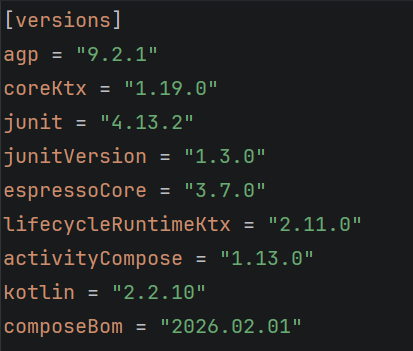
Move the cursor to each (using the mouse or keyboard) and press Alt+Enter to choose a newer version.
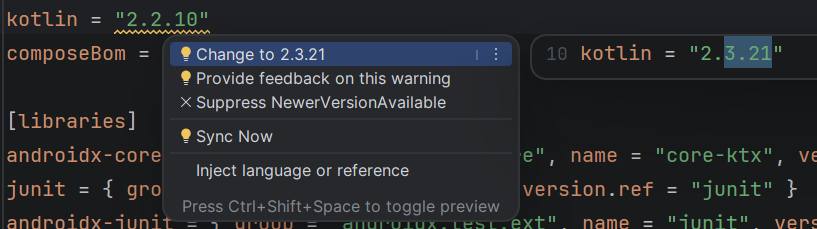
Next, look at the gradle\wrapper\gradle-wrapper.properties file and see if you should update the
Gradle version.

Once again, press Alt+Enter to choose to update the version.
Next, go to app/build.versions.kts and check for yellow squiggles.
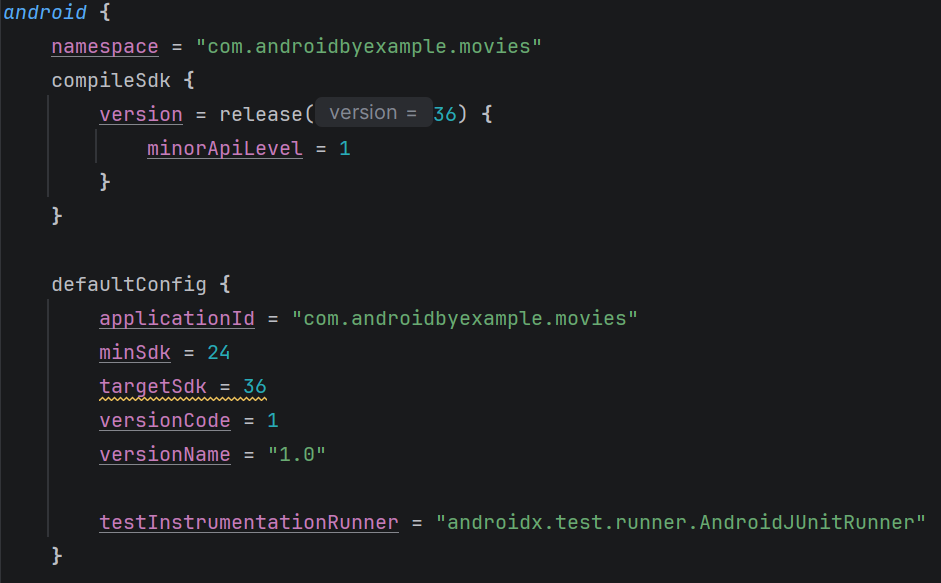
In this case, Android API 37 is available, so I updated it.
The editor gives me an "error", which will go away when I sync the project:
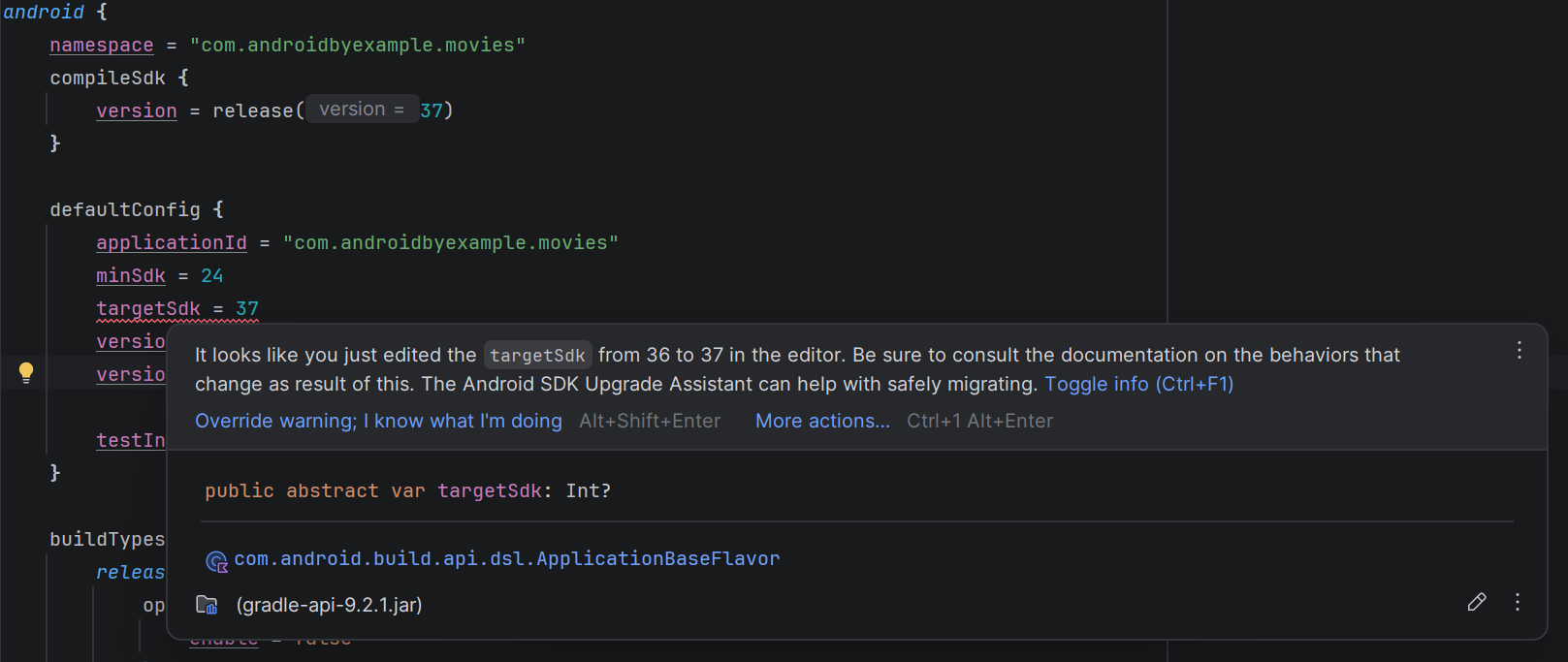
This reminds you that if you're changing the target SDK, some behaviors may change, requiring code or configuration changes in your project. See SDK Platform release notes for the latest stable releases. You can also check out Android API Levels for a convenient list of Android API levels and their status.
I've also updated the compileSdk.
Note
See Android SDK settings for
details on compileSdk and targetSdk.
When you change a build script, Android Studio will normally display a banner at the top of the file indicating that it needs to be re-synchronized.
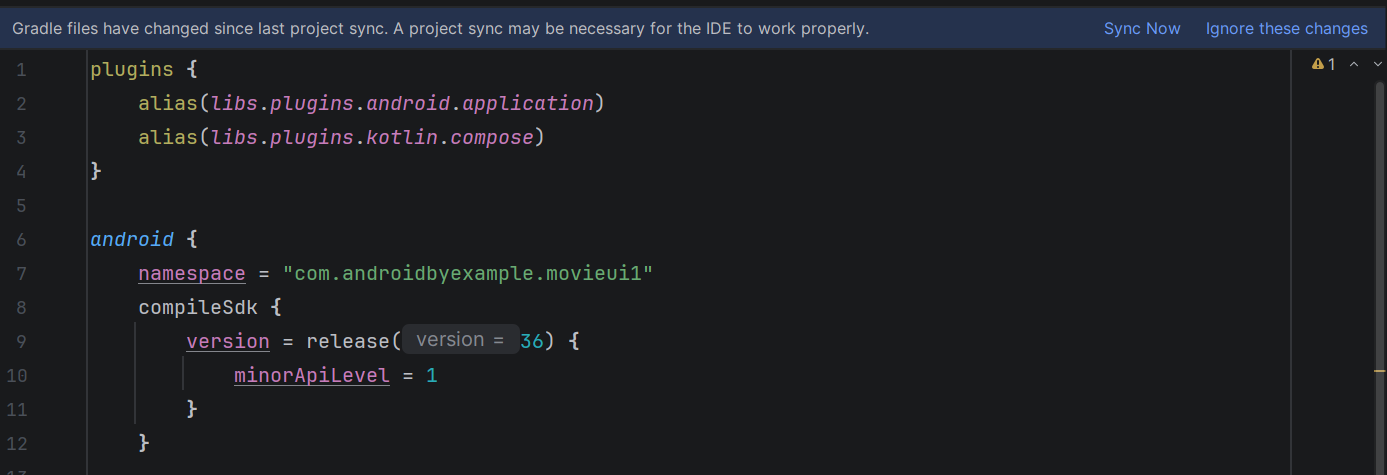
You can click "Sync Now" to do so. You can also click the
 (elephant) icon on the toolbar to perform this
synchronization.
(elephant) icon on the toolbar to perform this
synchronization.
When synchronizing, Android Studio reads the build scripts to determine which modules and which dependencies are used so it can provide code-assist and lint checks in the IDE. s